 Khaqan
What OCR gets wrong on supplier bills
The model picked a number. Was it the total, the tax, or a correction in the margin?
In this note
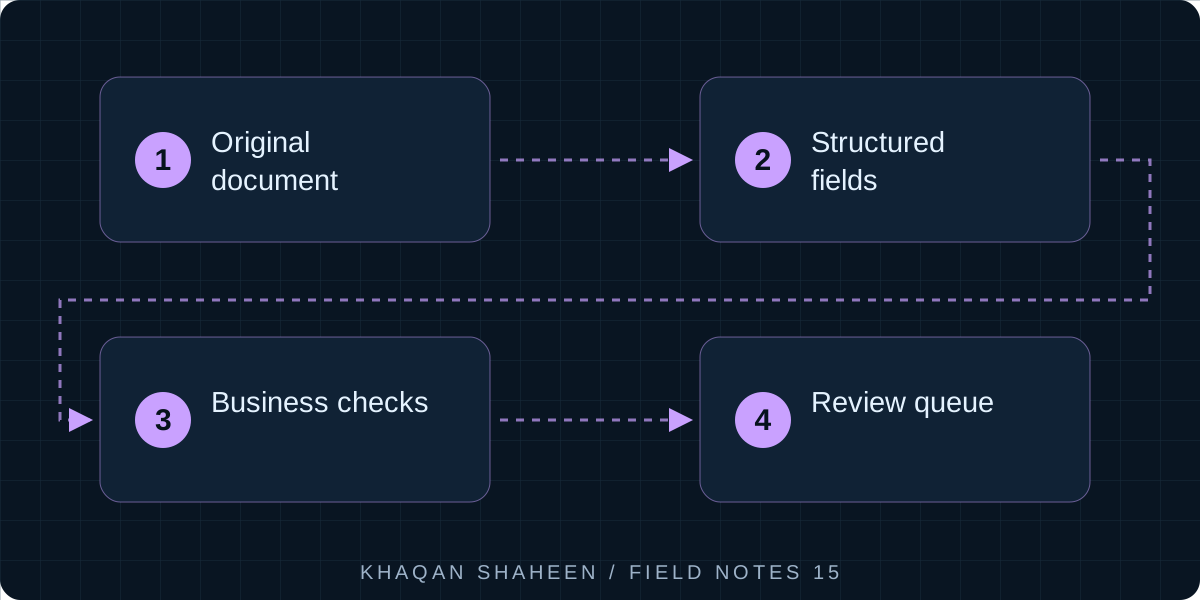
- 01Original document
- 02Structured fields
- 03Business checks
- 04Review queue
The characters are the easy part. What the pipeline gets wrong is which number on the page is the one you want: a handwritten correction, a stamp across the total, the second page of a bill, the same bill arriving twice, and a currency nobody wrote down.
When a plausible total is wrong
Handwritten totals were the first surprise. A supplier's clerk crosses out the printed total and writes the agreed figure in pen beside it. The model reads the printed one because it is cleaner, or reads the pen one and drops a digit. Either way the record shows a number that looks reasonable, which is the problem. A wrong number that looks wrong gets caught. A wrong number that looks right gets paid.
Stamps come next. A "received" stamp, a "paid" stamp or a company chop lands on the total, because that is where a hand goes. The model reads around it and picks the nearest clean figure, often the VAT amount or a line subtotal. Multi-page bills fail differently. Page one carries a subtotal, page two the total, and the pipeline reads page one as the whole bill or treats each page as a document. A three-page bill photographed as three images has arrived as three bills.
Documents arrive in messy ways
Duplicates are not an OCR problem, but the pipeline is where they surface. The supplier emails the PDF, the driver brings the paper copy which gets scanned at the gate, and the invoice appears again on the month-end statement. The model has no memory between documents and will create every one of them with a straight face. Currency is the quiet one. A supplier abroad bills in dollars with the symbol missing and dirham bank details in the footer. A local supplier's template says USD because someone copied it years ago. The model reads the number correctly and the currency is a guess.
None of this is fixed by a better model; a better model moves the errors around. What fixed it was validation in code and a review queue in front of the ledger. Lines must sum to the total. VAT must be the right percentage of the net. The currency must match the supplier master record. A bill with the same supplier, reference and amount inside a short window is flagged, not created. The page count is checked against what the model claims it read. Anything that fails a check, or that the model marks uncertain, goes to a person before it becomes a record finance can act on.
Keep the business checks in the pipeline
I stopped evaluating models on how often they are right and started evaluating whether they will say they are not sure. The second is worth more.
What does “95% correct” leave for a person?
Change the volume and first-pass accuracy. This calculates review workload, not measured performance of my systems. A correct extraction still needs business validation.
50 documents need correction in this example.
Formula: volume × (1 − accuracy / 100). Default: 1,000 × 5% = 50.