Khaqan
How to check whether ChatGPT, Perplexity and Google AI Overviews can read your website
Before optimising for an AI answer, check whether the answer is actually on your page.
In this story
- Step 1: read robots.txt for the AI user agents
- Step 2: fetch the homepage as each bot and compare status codes
- Step 3: confirm the text is in the raw HTML
- Step 4: check for JSON-LD structured data
- Step 5: check for /llms.txt
- Step 6: check the sitemap has real lastmod dates
- Step 7: the one-command method
- Common questions
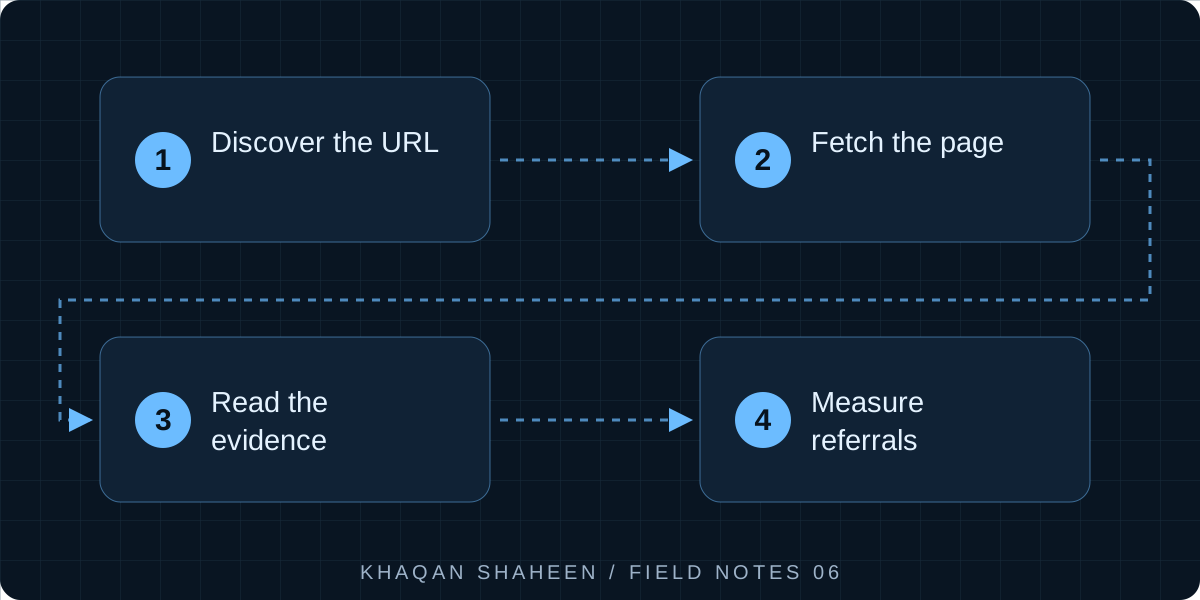
- 01Discover the URL
- 02Fetch the page
- 03Read the evidence
- 04Measure referrals
Read your robots.txt for the AI crawler names, fetch your homepage with curl while pretending to be each bot, and confirm your main text is in the raw HTML. That takes ten minutes by hand. Or run one Python script that does all of it and scores the result.
Traffic from AI assistants started showing up in the analytics for a site I run, and I wanted to know which of them could read it and which were being turned away at the door. These are the checks I still run. They use curl and grep, so they work on a laptop, a server or inside a scheduled job.
Step 1: read robots.txt for the AI user agents
curl -s https://your-site.com/robots.txt
Look for these names. Each one controls a different product, and they are easy to confuse.
- GPTBot: OpenAI's training crawler. Blocking it keeps your pages out of future model training. It does not stop ChatGPT search.
- OAI-SearchBot: the crawler behind ChatGPT search. Block this and your site will not be cited when ChatGPT searches the web.
- ChatGPT-User: live browsing when a user asks ChatGPT to open a page. A fetch on a person's request, not a crawl.
- ClaudeBot: Anthropic's training crawler.
- Claude-SearchBot: Anthropic's search index crawler, the equivalent of OAI-SearchBot.
- PerplexityBot: Perplexity's index crawler.
- Google-Extended: controls whether Google may use your content for Gemini training and grounding. It has no effect on Google Search. AI Overviews are part of Search and use plain Googlebot, so if Googlebot can index you, AI Overviews can quote you.
- Bingbot: feeds Bing, which feeds Microsoft Copilot and is one of the sources behind ChatGPT search. Blocking it has a wider blast radius than most people expect.
- CCBot: Common Crawl, a public corpus used by many training pipelines.
A robots.txt that says nothing about these agents allows them all. A User-agent: * block with Disallow: / shuts out every one of them. The common mistake is a block on GPTBot, added to stop training, that a later edit widens into Disallow: / under the wildcard.
Step 2: fetch the homepage as each bot and compare status codes
robots.txt is a request. A CDN or web application firewall enforces its own rules, and those often ship with a "block AI bots" toggle that somebody switched on without telling you. The only way to know is to ask for the page as the bot and read the status code.
curl -s -o /dev/null -w "%{http_code}\n" -A "Mozilla/5.0 (compatible; GPTBot/1.0; +https://openai.com/gptbot)" https://your-site.com/
A 200 is fine. A 403 or 503 means something in front of your server is turning the bot away. A 429 means you are rate limiting it. Run the check for every agent in one loop, with a normal browser string first as the baseline.
for ua in \
  "Mozilla/5.0 (Windows NT 10.0; Win64; x64) AppleWebKit/537.36 Chrome/128.0 Safari/537.36" \
  "Mozilla/5.0 (compatible; GPTBot/1.0; +https://openai.com/gptbot)" \
  "Mozilla/5.0 (compatible; OAI-SearchBot/1.0; +https://openai.com/searchbot)" \
  "Mozilla/5.0 (compatible; ChatGPT-User/1.0; +https://openai.com/bot)" \
  "Mozilla/5.0 (compatible; ClaudeBot/1.0; +claudebot@anthropic.com)" \
  "Mozilla/5.0 (compatible; Claude-SearchBot/1.0; +claudebot@anthropic.com)" \
  "Mozilla/5.0 (compatible; PerplexityBot/1.0; +https://perplexity.ai/perplexitybot)" \
  "Mozilla/5.0 (compatible; bingbot/2.0; +http://www.bing.com/bingbot.htm)" \
  "CCBot/2.0 (https://commoncrawl.org/faq/)"
do
  code=$(curl -s -o /dev/null -w "%{http_code}" -L -A "$ua" https://your-site.com/)
  echo "$code  ${ua:0:60}"
done
If the browser string gets 200 and a bot string gets 403, you have found a block that robots.txt never mentioned. On one of my own sites I went looking for that and found no block at all; the likely cause was a slow server that exhausted a crawler's patience. So check response time too, with -w "%{http_code} %{time_total}\n".
Step 3: confirm the text is in the raw HTML
Most AI crawlers do not run JavaScript. Googlebot does, eventually; the others read what the server sends and nothing more. If your homepage is an empty shell a framework fills in on the client, a crawler sees a title and a spinner.
Pick a phrase from your main content, something a customer would search for, and grep for it in the raw response.
curl -s -A "Mozilla/5.0 (compatible; GPTBot/1.0)" https://your-site.com/ | grep -i -c "emergency plumber"
A count of zero means the phrase is not in the HTML. Then look at how much text there actually is.
curl -s https://your-site.com/ | sed 's/<[^>]*>//g' | tr -s '[:space:]' ' ' | wc -w
That strips the tags and counts words. A homepage that shows three hundred words in a browser but returns forty from curl is being built by JavaScript. The fix is server-side rendering or static generation, a framework decision rather than a tweak.
Step 4: check for JSON-LD structured data
Structured data tells a machine what your business is without guessing from prose. Check that at least one block exists and parses.
curl -s https://your-site.com/ | grep -c 'application/ld+json'
Then pull the blocks out and check they are valid JSON, with Python's standard library only.
curl -s https://your-site.com/ | python3 -c "
import sys, re, json
html = sys.stdin.read()
blocks = re.findall(r'<script[^>]*application/ld\+json[^>]*>(.*?)</script>', html, re.S)
for b in blocks:
    data = json.loads(b)
    print(data.get('@type'), data.get('name'))
"
For a services business you want LocalBusiness or one of its subtypes, Service for each thing you sell, and FAQPage if the page carries questions and answers. If json.loads throws, the block is broken and every consumer will ignore it silently.
Step 5: check for /llms.txt
llms.txt is a plain Markdown file at the site root that gives a language model a curated map of your pages. Adoption is uneven, but the file costs nothing and I have seen crawlers request it.
curl -s -o /dev/null -w "%{http_code} %{content_type}\n" https://your-site.com/llms.txt
You want 200 and a text type. A 200 with text/html usually means your framework served its 404 page with the wrong status, which looks like success and is not. Then check every link in the file. I once published one that pointed at pages a redirect rule had quietly broken.
curl -s https://your-site.com/llms.txt | grep -o 'https://[^) ]*' | while read u; do
  echo "$(curl -s -o /dev/null -w '%{http_code}' -L "$u")  $u"
done
Step 6: check the sitemap has real lastmod dates
A sitemap tells crawlers what changed. If every URL carries the same lastmod, or a date from the week you launched, crawlers learn to ignore it.
curl -s https://your-site.com/sitemap.xml | grep -o '<lastmod>[^<]*</lastmod>' | sort | uniq -c | sort -rn | head
If the output is one line with a large count, the dates are hardcoded. I have found that on a site I was responsible for. Generate lastmod from the record's real modified time, and for a sitemap index run the same check on each child sitemap.
Step 7: the one-command method
Everything above is what my audit script does, plus a scoring pass. It is one open-source Python file with no dependencies beyond the standard library.
git clone https://github.com/Servia-Tech/ai-visibility-audit.git
cd ai-visibility-audit
python ai_visibility_audit.py https://your-site.com
It scores the site on five layers: SEO (can search engines index it), AEO (does it give direct answers, with FAQ content and structured data), GEO (can generative engines fetch and cite it, including robots rules and llms.txt), AIO (is the content shaped so an AI system can use it) and SXO (what a visitor gets after the click, speed and mobile included). It prints a score for each layer and the top fixes in order. I run it daily from a scheduled job and keep the output, so I can see when a deployment moves a score.
The script is a starting point. It can tell you whether ChatGPT is able to read you, not whether it will choose to cite you. Being readable is the entry ticket. Being worth citing is content.
Common questions
Does blocking GPTBot stop my site appearing in ChatGPT answers?
No. GPTBot is the training crawler. ChatGPT search uses OAI-SearchBot, and live browsing on a user's request uses ChatGPT-User. If you want to stay out of training but remain citable, block GPTBot only and leave the other two alone.
Does Google-Extended affect AI Overviews?
No. Google-Extended only controls use of your content for Gemini training and grounding. AI Overviews are a feature of Google Search and rely on Googlebot, so the only way to stay out of them is to stay out of Search, which is rarely what a business wants.
My CDN has an "AI bots" toggle. Should I turn it on?
Only if you have decided you do not want to be found by AI assistants at all. These toggles usually block search crawlers such as OAI-SearchBot and PerplexityBot along with the training crawlers, and some block on behaviour rather than user agent. Run the curl loop above after any change.